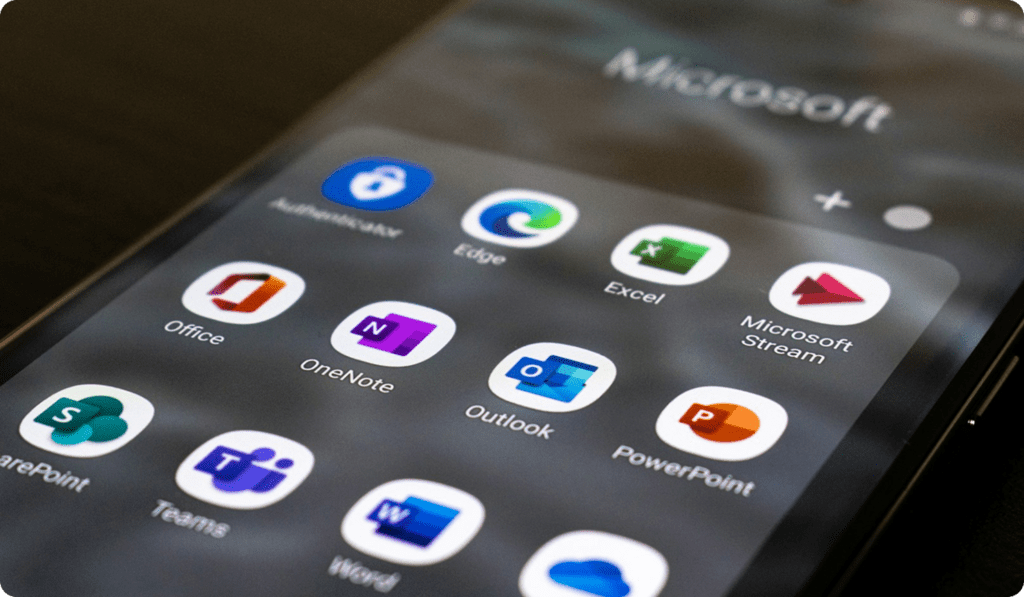

Microsoft Copilot is transforming the way professionals work by bringing artificial intelligence directly into everyday Microsoft tools. Instead of switching between apps or manually handling repetitive tasks, Copilot works alongside you to improve productivity, accuracy, and decision-making. Below are the top six practical things you can do with Microsoft Copilot to streamline your workflow and work more efficiently.
1. Write and Edit Content Faster
Microsoft Copilot can help you draft emails, reports, proposals, and documents in seconds. Whether you need a formal business email or a clear project summary, Copilot generates well-structured content based on your instructions. It can also rewrite, shorten, or improve existing text, making it easier to maintain a professional tone and clear messaging.
2. Analyze Data in Excel with Ease
Copilot simplifies data analysis by allowing you to ask questions in natural language. Instead of using complex formulas, you can request summaries, trends, or comparisons directly. Copilot can highlight key insights, generate charts, and help you understand large datasets faster, enabling more informed business decisions.
3. Create Presentations Quickly
With Microsoft Copilot in PowerPoint, you can turn documents or ideas into professional presentations within minutes. Copilot helps structure slides, suggest content, and refine messaging. This is especially useful when preparing client presentations, internal reports, or executive briefings under tight deadlines.
4. Manage Emails and Communication More Effectively
Copilot in Outlook helps you summarize long email threads, draft replies, and prioritize important messages. It ensures your responses are clear, concise, and aligned with your communication goals. This reduces time spent managing inboxes and helps maintain consistent professional communication.
5. Improve Meetings and Collaboration
During meetings, Copilot can generate summaries, identify action items, and capture key discussion points. After the meeting, you can quickly review decisions and next steps without going through lengthy notes or recordings. This improves accountability and ensures alignment across teams.
6. Automate Everyday Tasks
Copilot helps automate repetitive tasks across Microsoft applications, such as organizing documents, generating reports, or preparing updates. By reducing manual effort, it allows professionals to focus on higher-value work like strategy, creativity, and problem-solving.
Final Thoughts
Microsoft Copilot is not just an AI assistant; it is a productivity partner designed to enhance how you work every day. By integrating seamlessly with Microsoft tools, it helps individuals and teams work smarter, save time, and deliver better results. As businesses continue to embrace AI, Microsoft Copilot is becoming an essential tool for modern digital workflows.